Mike Sandman... Chicago's Telecom Expert - 630-980-7710

Site Index Page    Request Catalog     Search our Site    Ordering Info    Send us Email

TKM Transfer Switches

TKM-6 TRANSFER SWITCHES

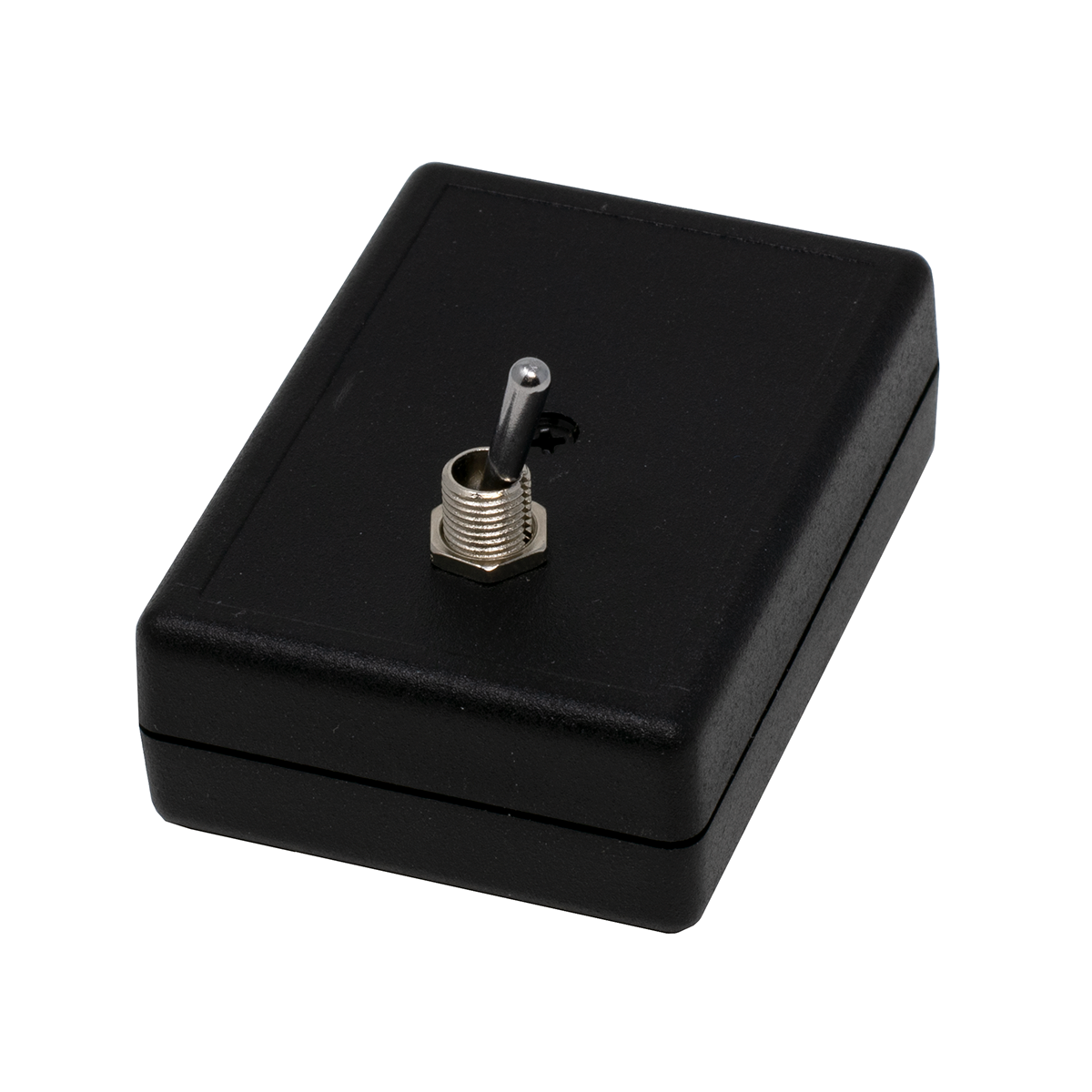
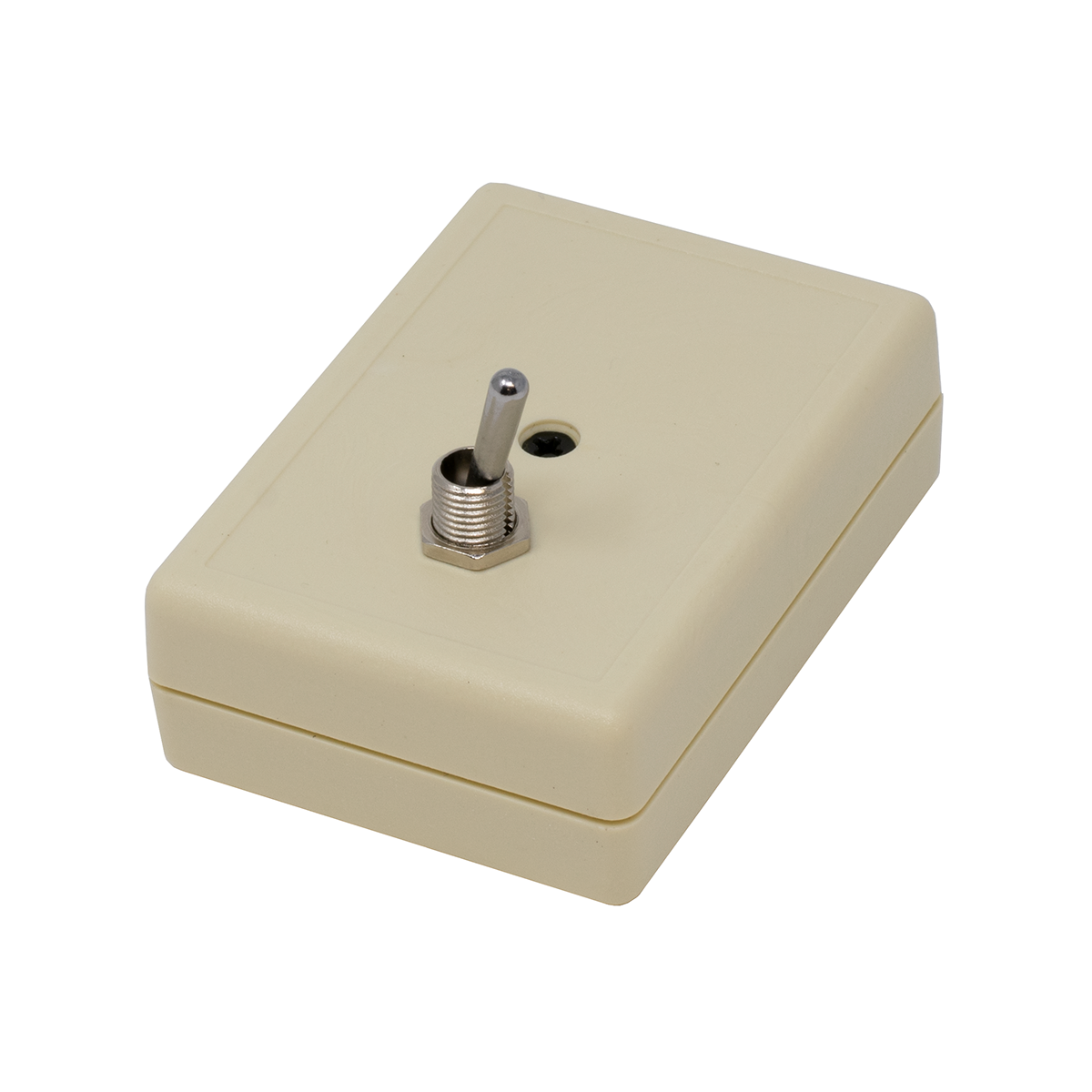
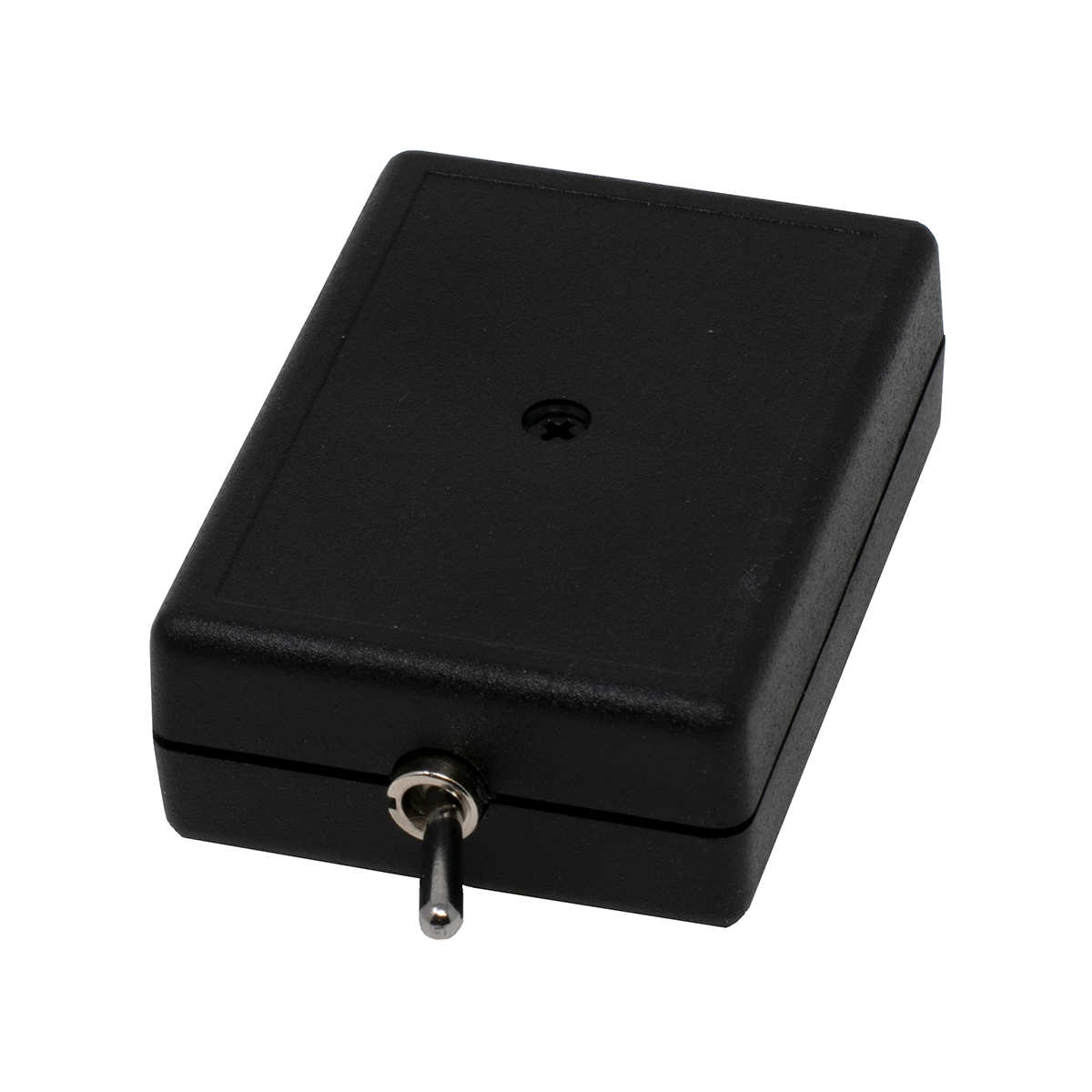
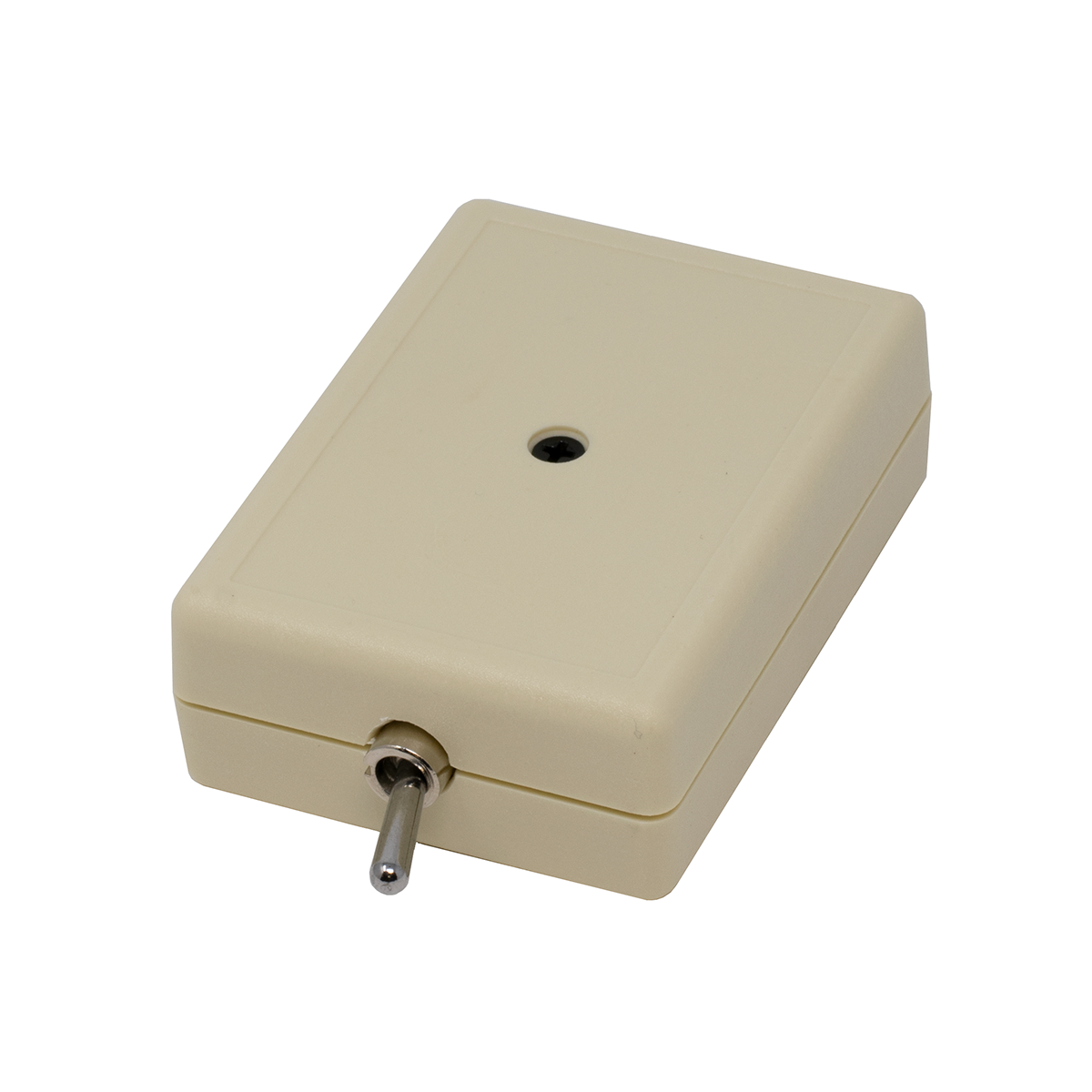
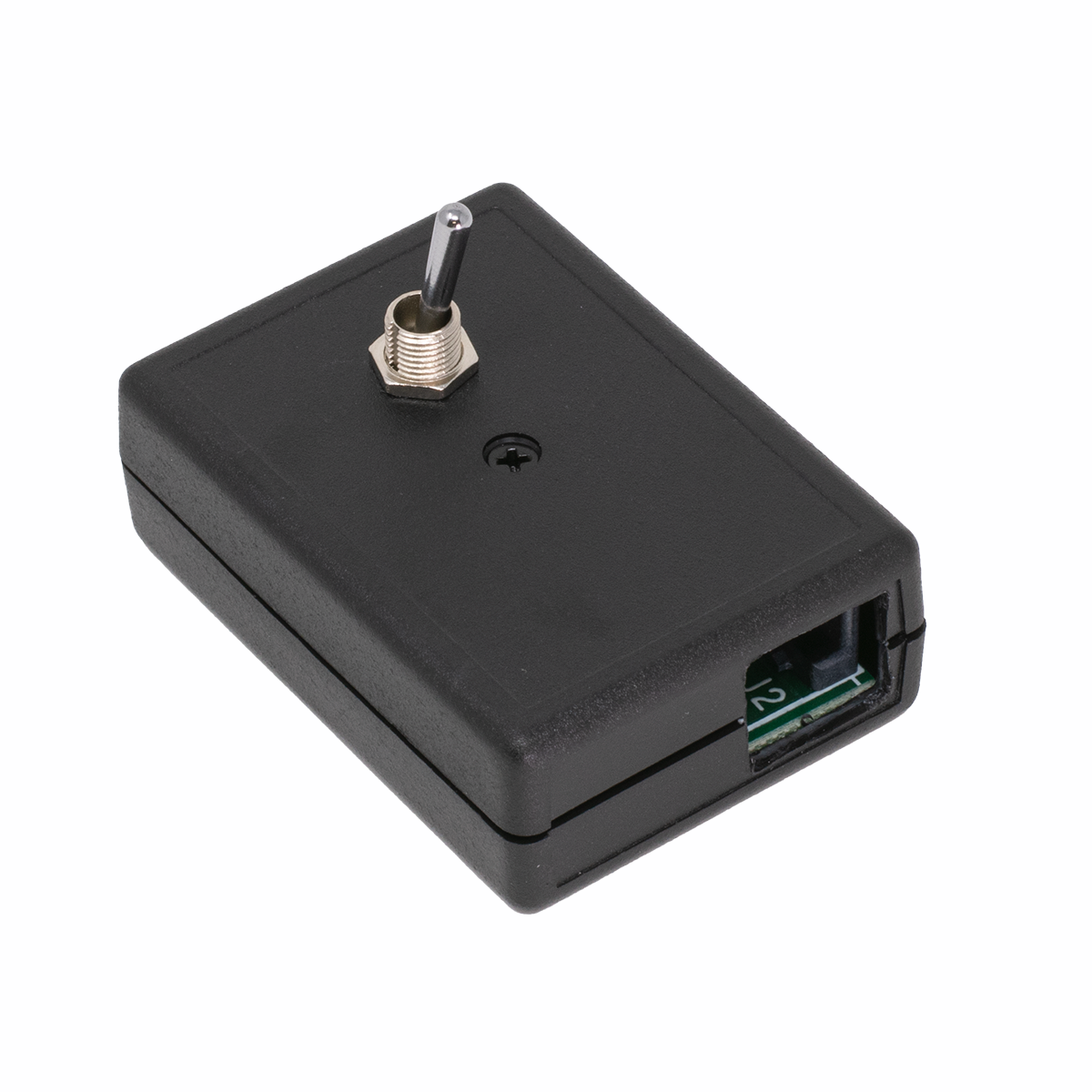
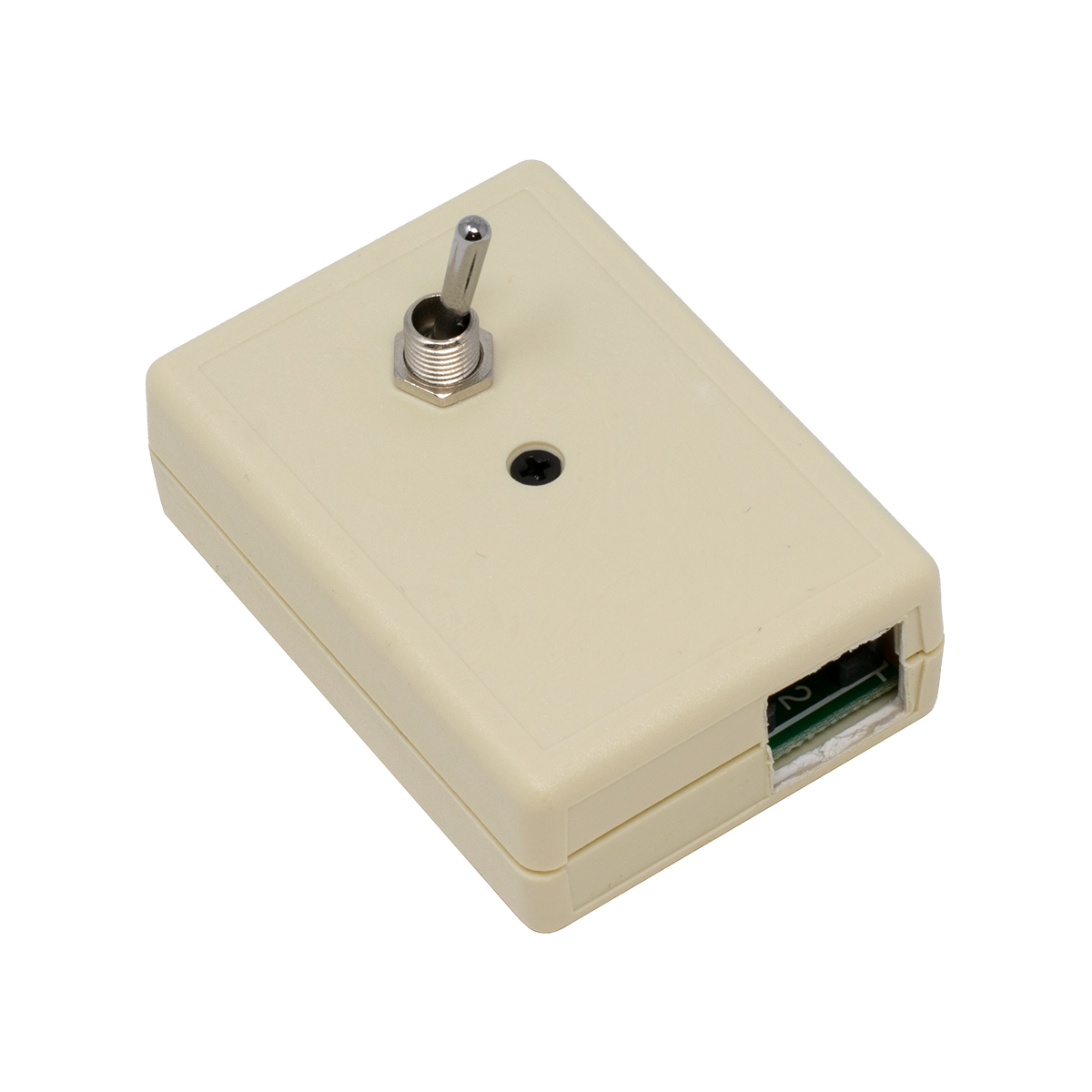
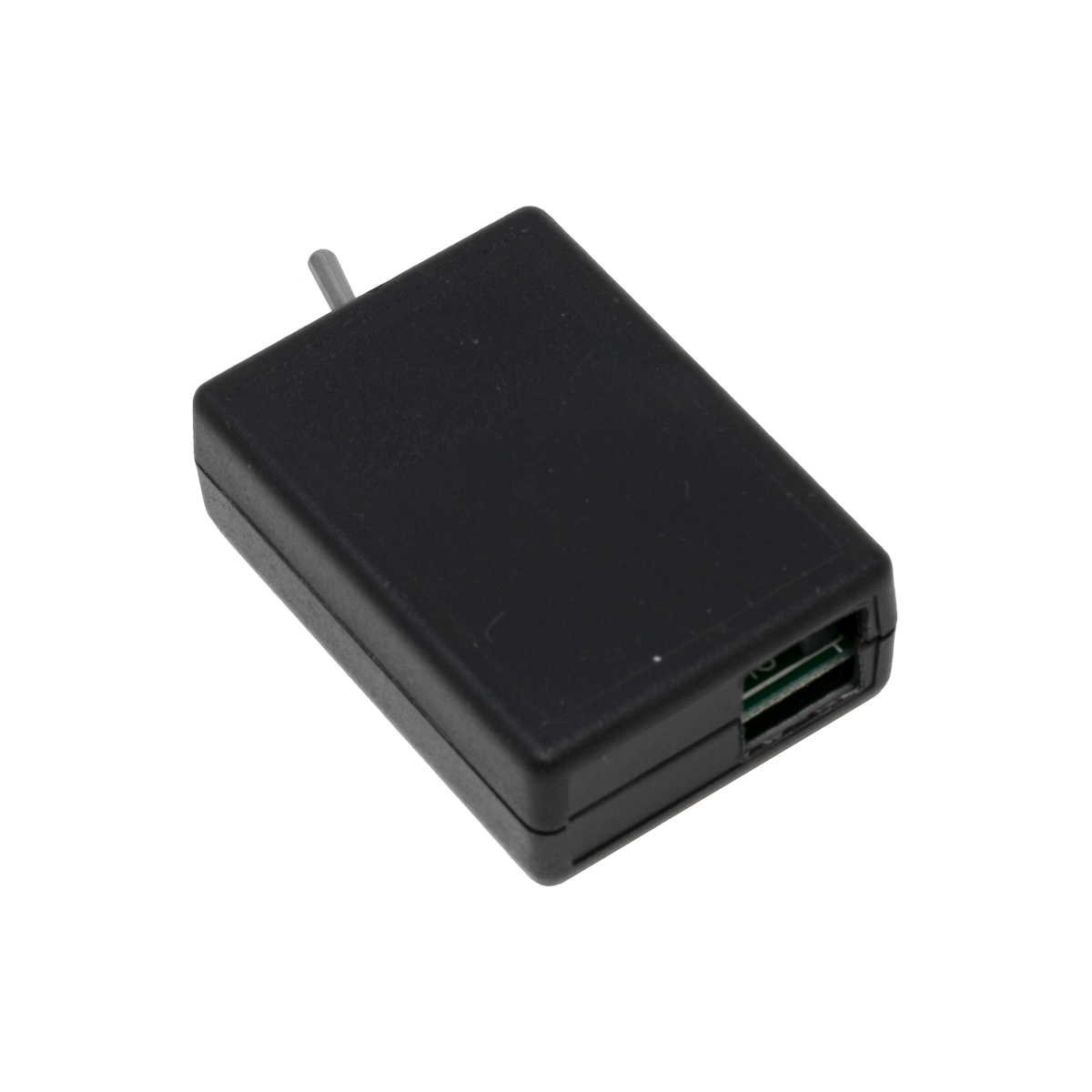
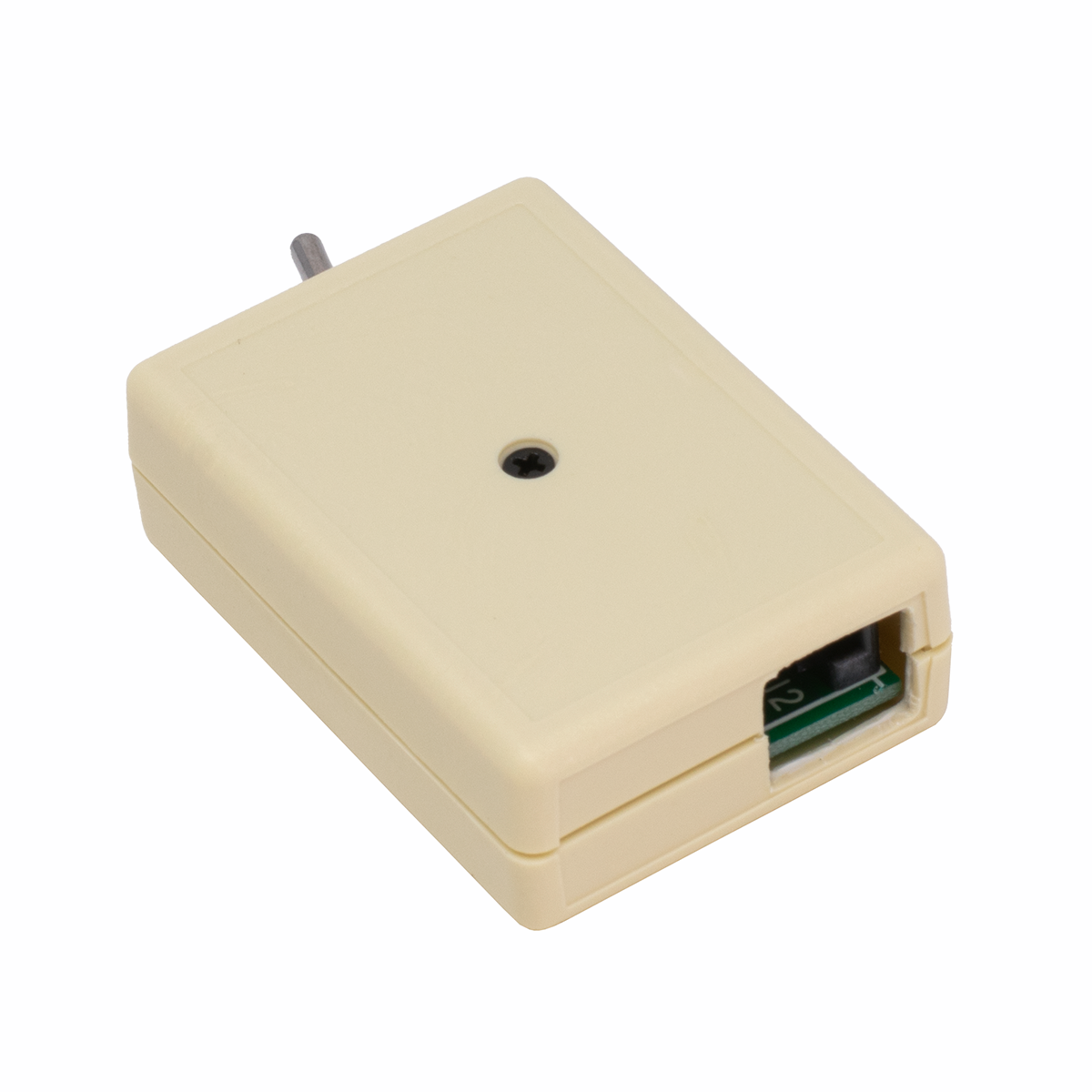
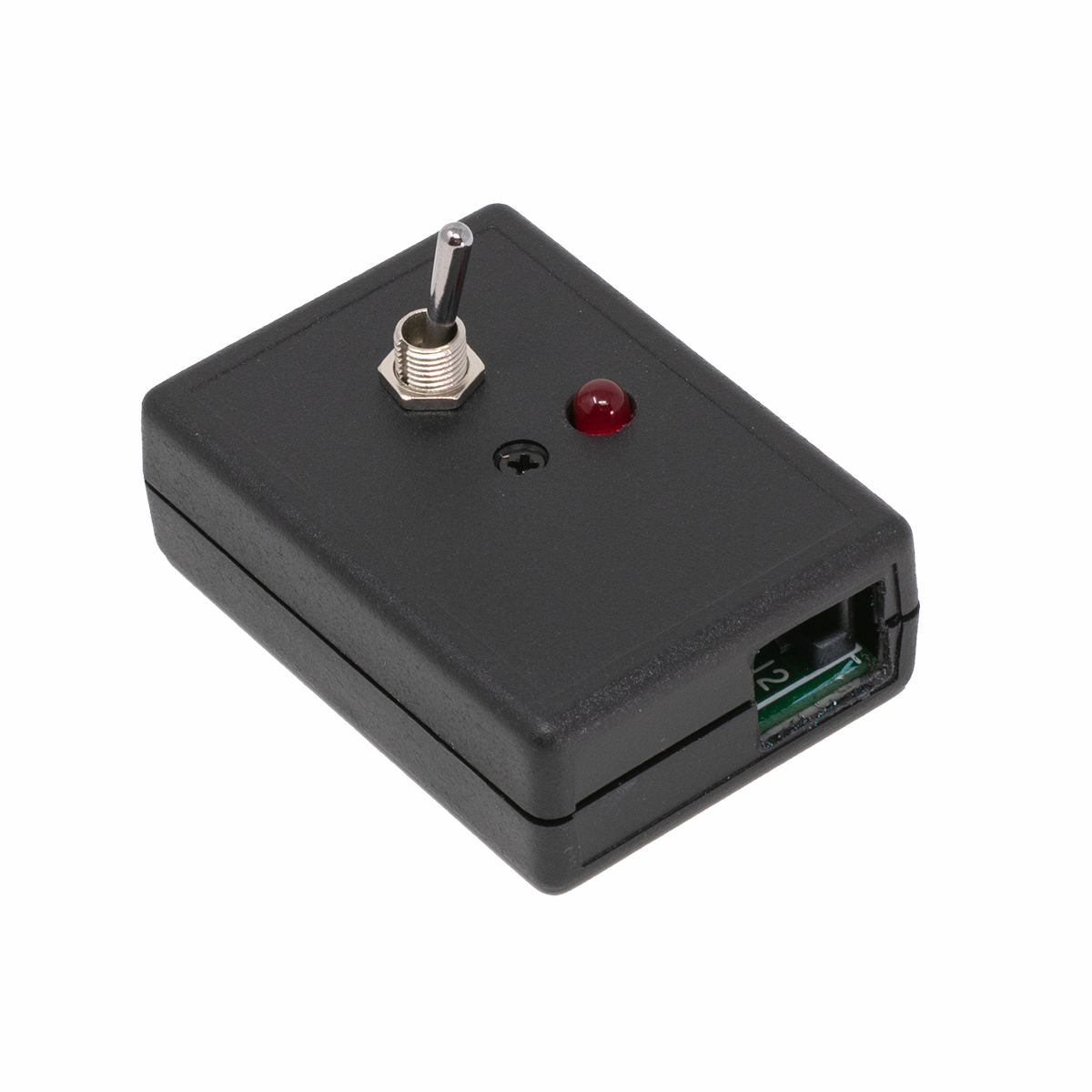
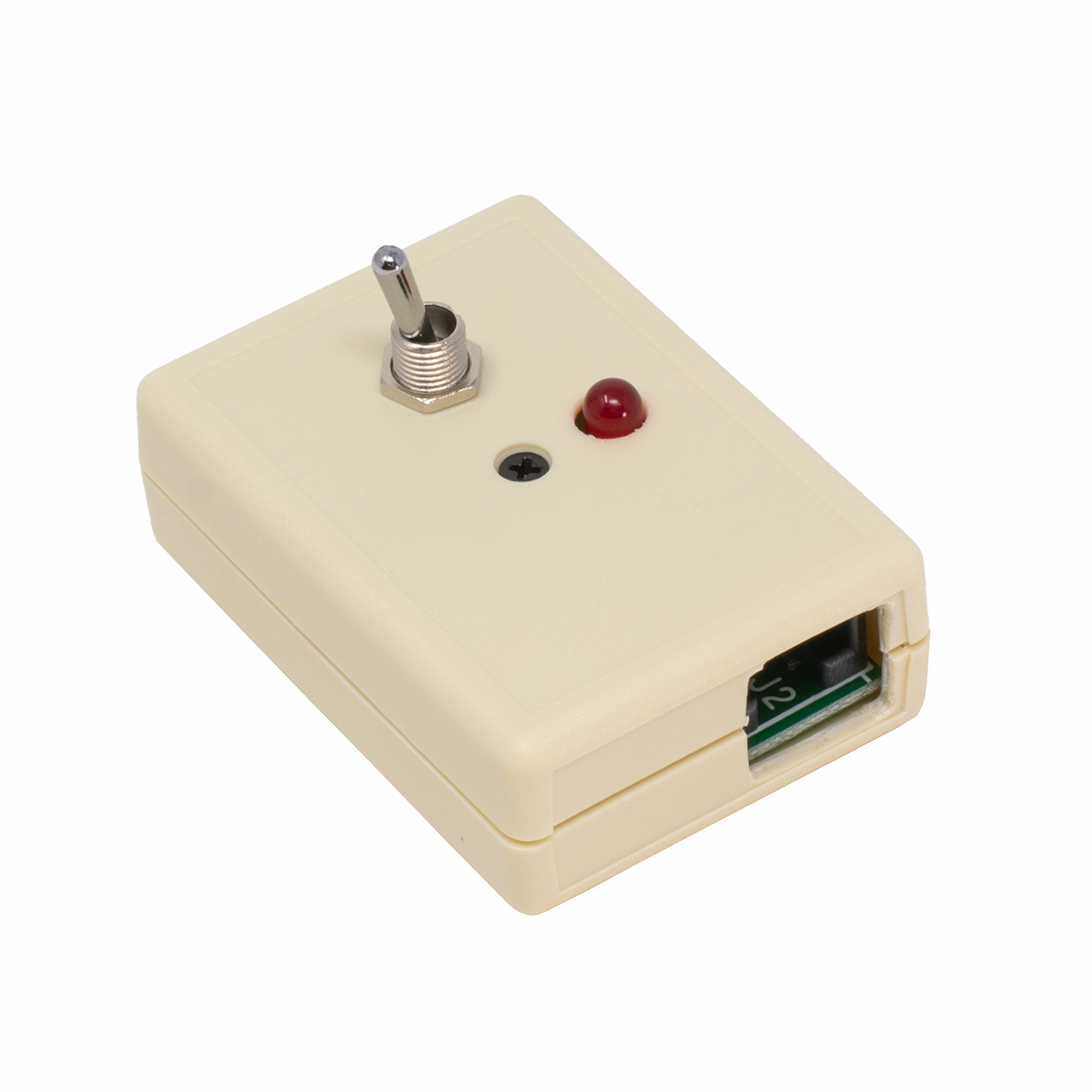
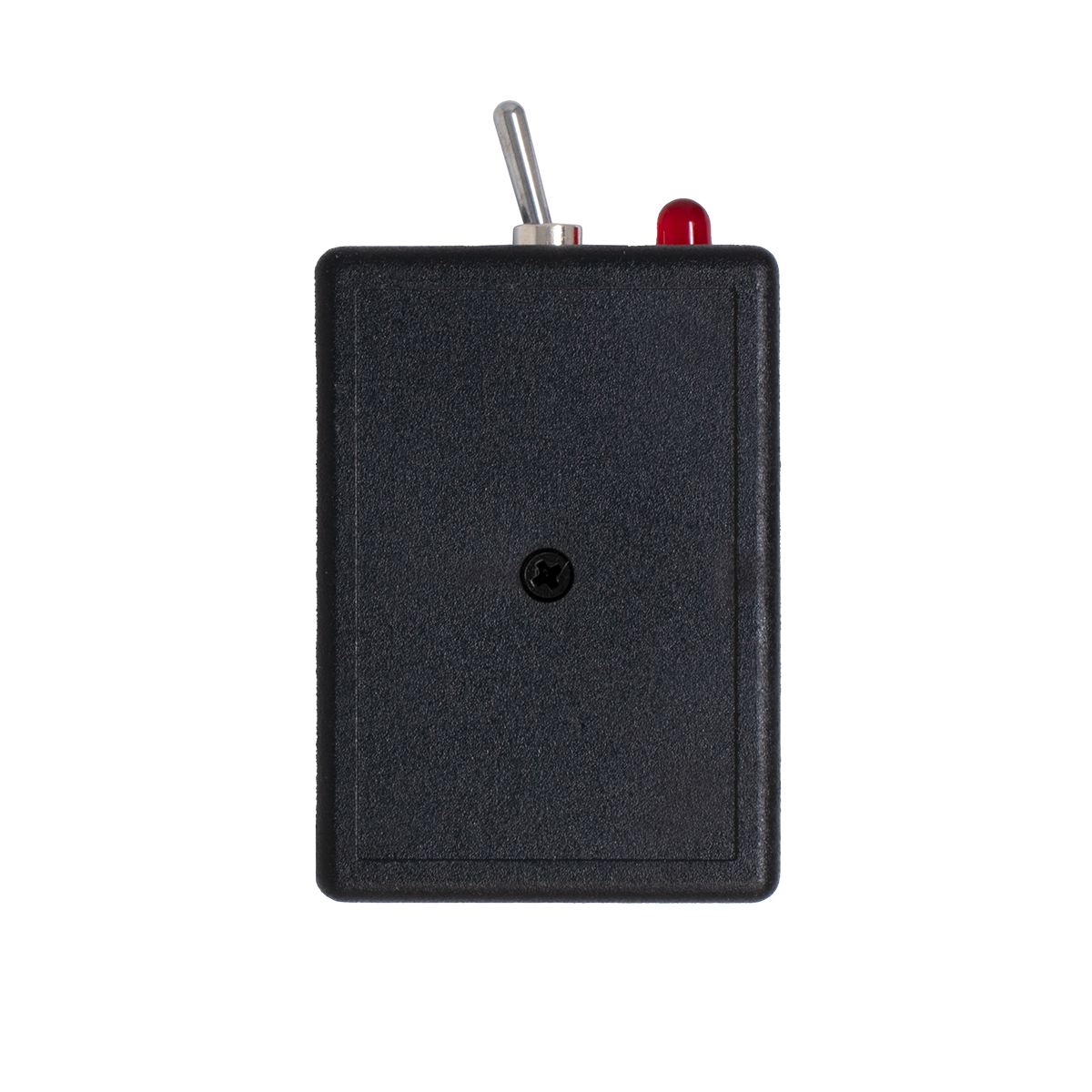
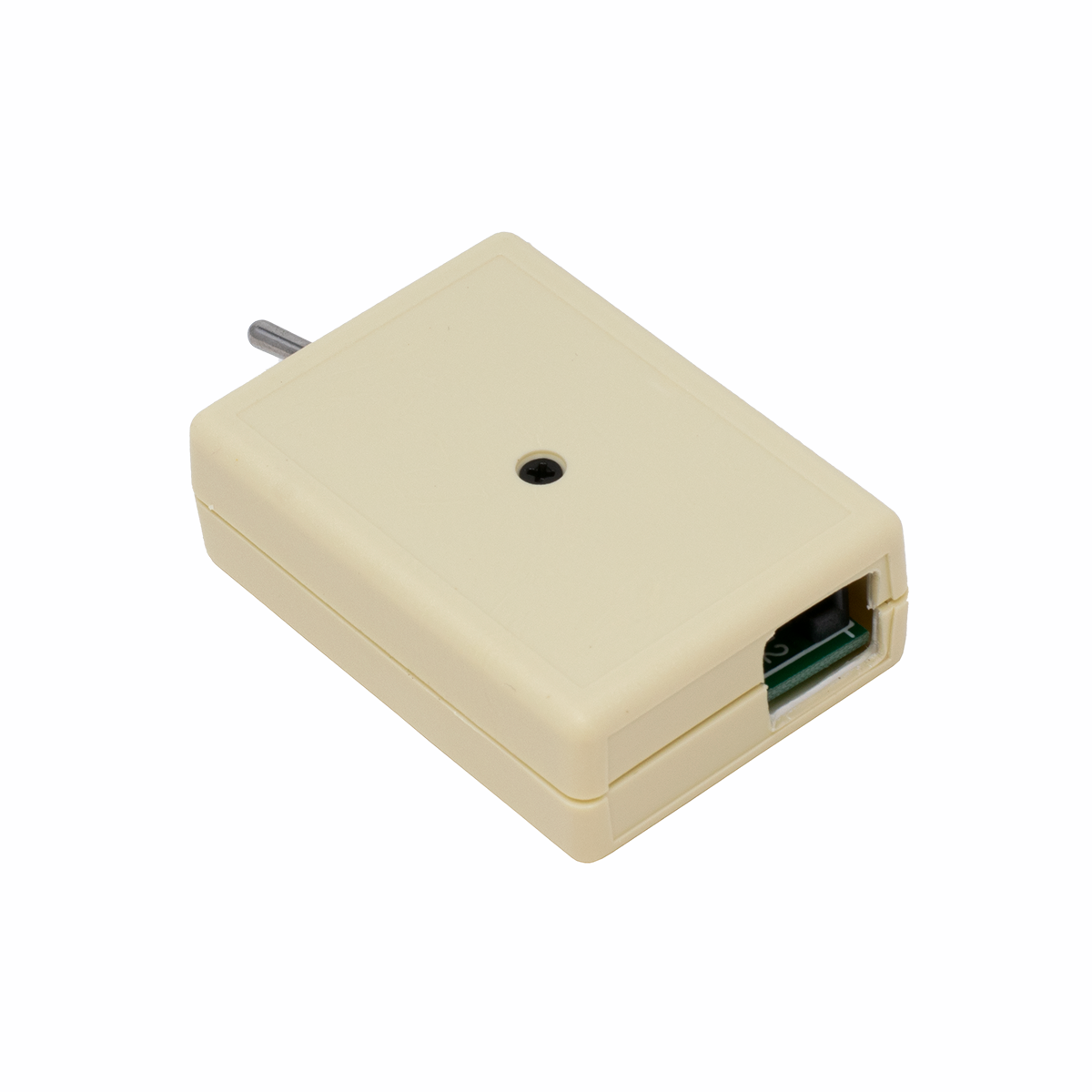
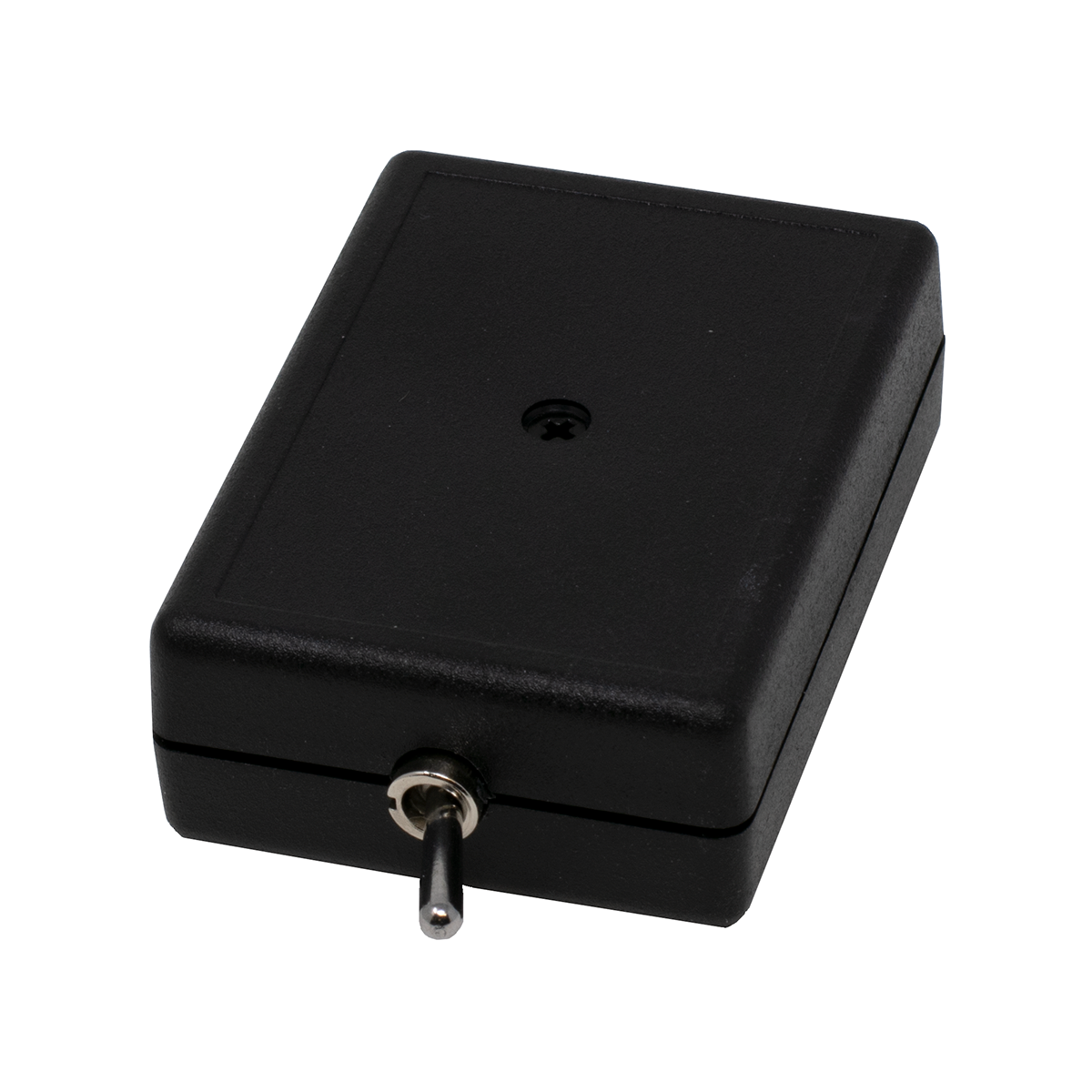
FRONT Mounted TKM Switch in IvoryDPDT Switch TOP Mounted TKM Switch in Ivory

Our Toggle Switch is also known as a TKM, TKM-6 or Transfer Switch, and comes in a nice looking  Black or Ivory case. Your choice of a Front Mounted (left) or Top Mounted (right) toggle.

It mounts to a Phone, Desk or Wall with included double-stick tape, or screws.

Solves LOTS of Problems... Keep some in your truck!

Terminal Strip or  8 Pin Jack Models

Either Model is Easy to Install:

On Terminal Strip Models, simply strip a little insulation, insert the stripped wire into the hole in the terminal strip, and tighten the screw with a small screwdriver. You don't have to wrap the wire around a screw. There's a hole big enough for 4 pair or CAT5 cable in the rear of the Switch.

On 8 Pin Modular Jack Models, plug a regular RJ-45 Patch Cord (or make your own cord) into the 8 pin jack. It's wired 568B, using the first three pairs. Plug the Patch Cord into a regular 8 Pin Jack, or cut the cord and punch it down on a 66 or 110 block The White/Brown pair is used on the model with the optional LED indicator (see below).

8 Pin Modular Jack Model with LED uses a high brightness LED that can be viewed from the side, as well as straight-on.

Custom Configurations Available including push buttons and other components.

NO SEPARATE COVER NEEDED!   This is a new design with an integral cover.

Don't forget to get a couple for every truck!

TKM-6 Terminal Strip Model - Front Switch - Ivory

Front Mounted Toggle

External wiring is attached to the Terminal Strip

Schematic

Light a Lamp

Switch 2 Phone Lines

Part Number: MSC8D   Price: $12.95    |||   3+ Price:   $11.95


TKM-6 Terminal Strip Model - Front Switch - Black

Front Mounted Toggle

External wiring is attached to the Terminal Strip

Part Number: MSC8C   Price: $12.95    |||   3+ Price:   $11.95


TKM-6 Terminal Strip Model - Top Switch - Ivory

Top Mounted Toggle

External wiring is attached to the Terminal Strip

Part Number: MSC8B   Price: $12.95    |||   3+ Price:   $11.95


TKM-6 Terminal Strip Model - Top Switch - Black

Top Mounted Toggle

External wiring is attached to the Terminal Strip

Part Number: MSC8A   Price: $12.95    |||   3+ Price:   $11.95


TKM-6 8 Pin Modular Model - Front Switch - Ivory

Front Mounted Toggle

External wiring is attached using the 8 Pin 568B Mod Jack

Schematic

Light a Lamp

Switch 2 Phone Lines

Part Number: MSC8H   Price: $14.95    |||   3+ Price:   $13.95


TKM-6 8 Pin Modular Model - Front Switch - Black

Front Mounted Toggle

External wiring is attached using the 8 Pin 568B Mod Jack

Part Number: MSC8G   Price: $14.95    |||   3+ Price:   $13.95


TKM-6 8 Pin Modular Model - Top Switch - Ivory

Top Mounted Toggle

External wiring is attached using the 8 Pin 568B Mod Jack

Part Number: MSC8F   Price: $14.95    |||   3+ Price:   $13.95


TKM-6 8 Pin Modular Model - Top Switch - Black

Top Mounted Toggle

External wiring is attached using the 8 Pin 568B Mod Jack

Part Number: MSC8E   Price: $14.95    |||   3+ Price:   $13.95


TKM-6 8 Pin Modular Model - Front Switch - Ivory with LED

Front Mounted Toggle and LED

External wiring is attached using the 8 Pin 568B Mod Jack

Contains a High Brightness LED that can be viewed from the side, as well as straight-on.

Schematic

Light a Lamp

Turn on LED in TKM

Part Number: MSC8L   Price: $16.95    |||   3+ Price:   $15.95


TKM-6 8 Pin Modular Model - Front Switch - Black with LED

Front Mounted Toggle with LED

External wiring is attached using the 8 Pin 568B Mod Jack

Contains a High Brightness LED that can be viewed from the side, as well as straight-on.

Part Number: MSC8K   Price: $16.95    |||   3+ Price:   $15.95


TKM-6 8 Pin Modular Model - Top Switch - Ivory with LED

Top Mounted Toggle with LED

External wiring is attached using the 8 Pin 568B Mod Jack

Contains a High Brightness LED that can be viewed from the side, as well as straight-on.

Part Number: MSC8J   Price: $16.95    |||   3+ Price:   $15.95


TKM-6 8 Pin Modular Model - Top Switch - Black with LED

Top Mounted Toggle with LED

External wiring is attached using the 8 Pin 568B Mod Jack

Contains a High Brightness LED that can be viewed from the side, as well as straight-on.

Part Number: MSC8I   Price: $16.95    |||   3+ Price:   $15.95


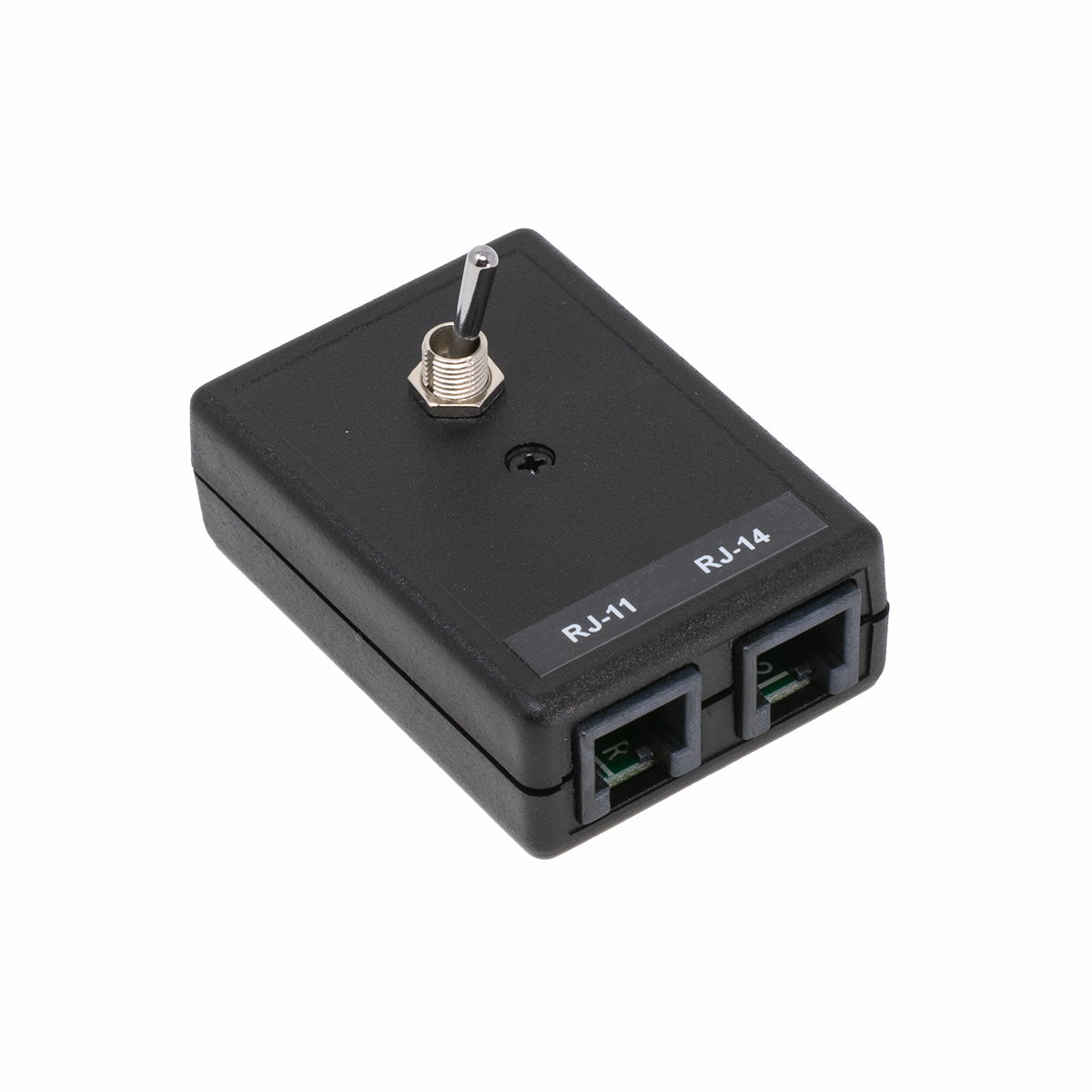
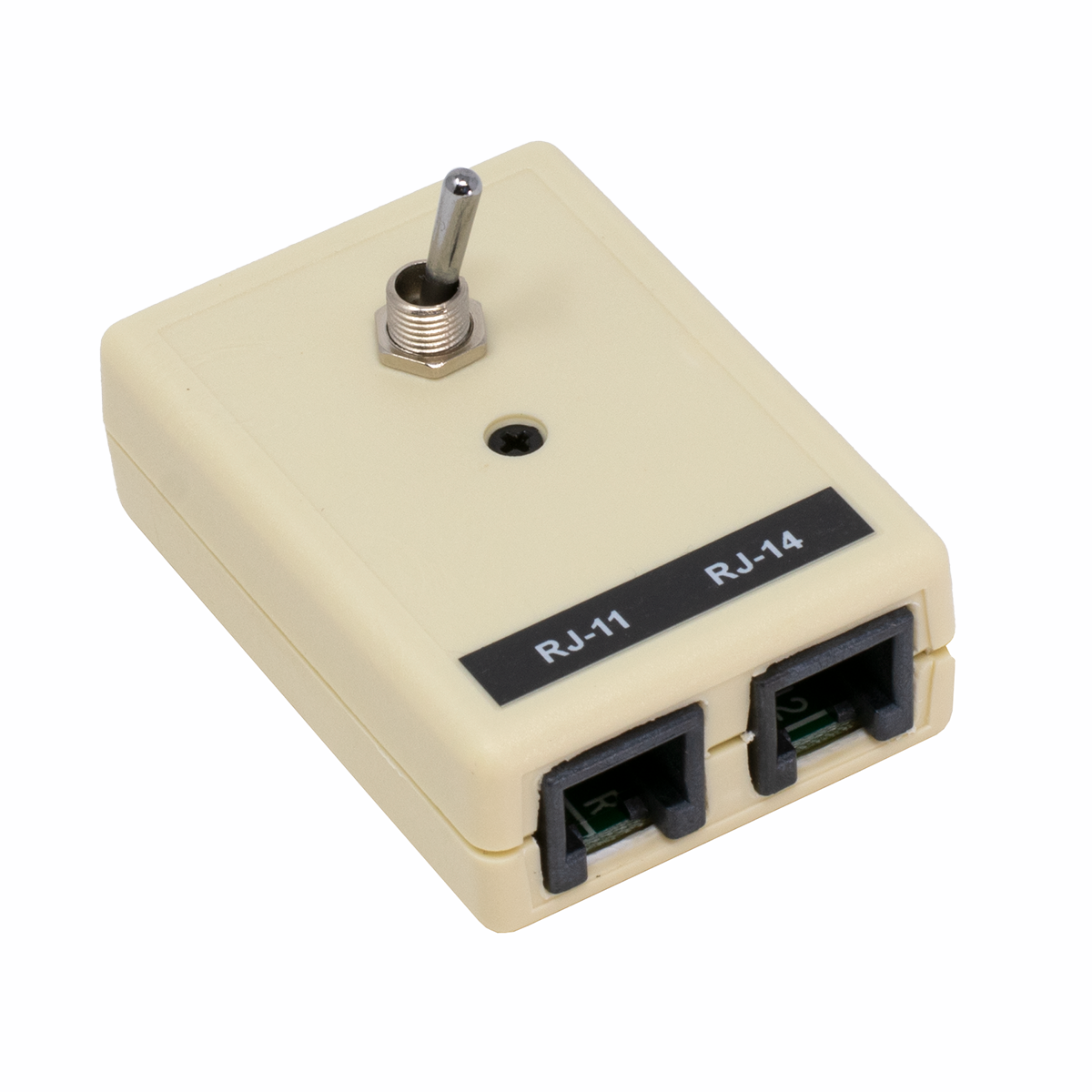
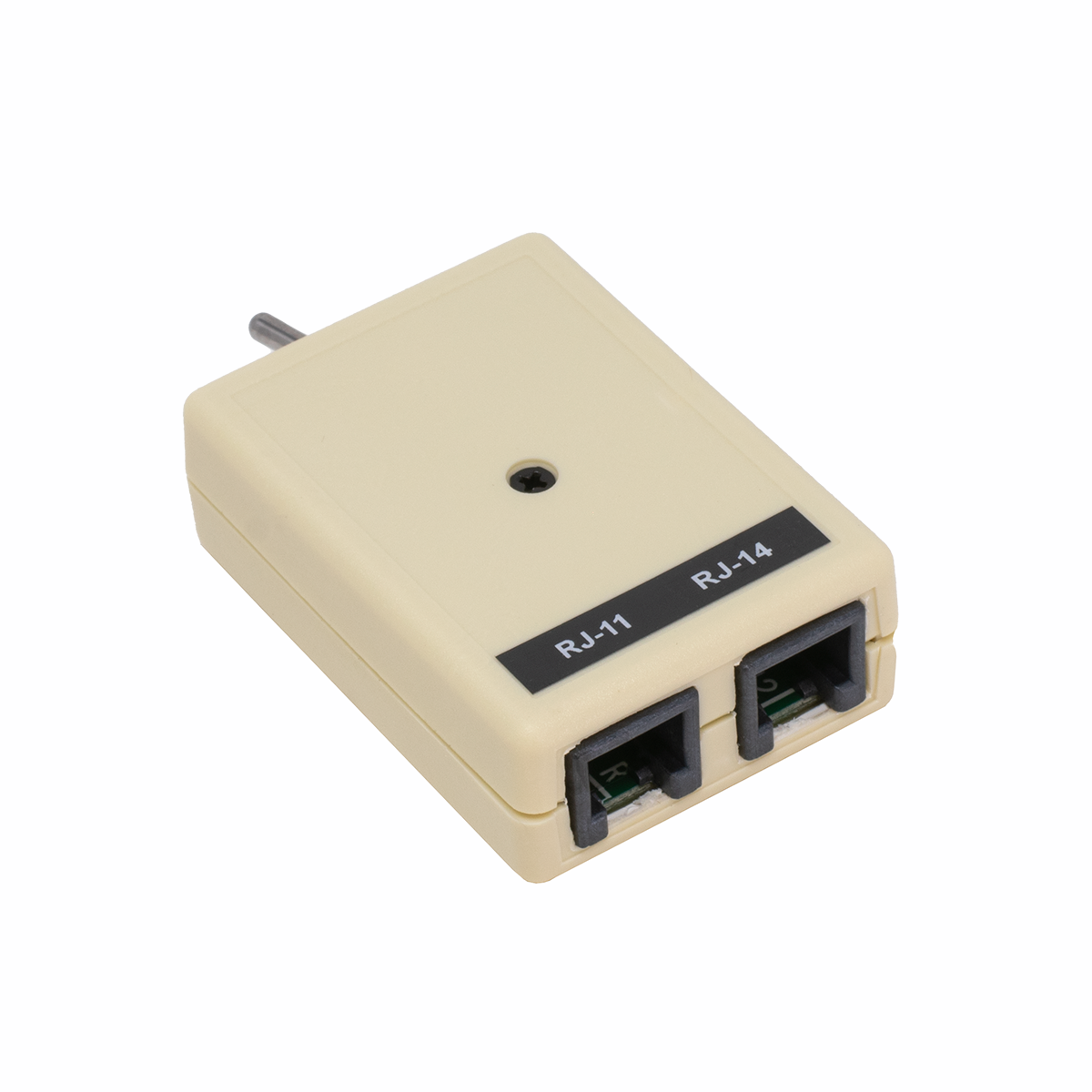
TKM Modular A/B Toggle Switch with Front Switch - Ivory

Front Mounted Toggle

External wiring uses a single 6 Pin Mod Cord or two 4 Pin Mod Cords

A/B Usage

The Jack labeled RJ-14 Is actually a 6 Pin Jack (RJ-12), so you can
run a single 6 Wire Mod Cord (instead of using 2 Mod Cords):

6 Wire Mod Cord Wiring

Part Number: MSC8T   Price: $17.95    |||    3+ Price:   $16.95

TKM Modular A/B Toggle Switch with Front Switch - Black

Front Mounted Toggle

External wiring uses a single 6 Pin Mod Cord or two 4 Pin Mod Cords

Part Number: MSC8S   Price: $17.95    |||   3+ Price:   $16.95

TKM Modular A/B Toggle Switch with Top Switch - Ivory

Top Mounted Toggle

External wiring uses a single 6 Pin Mod Cord or two 4 Pin Mod Cords

Part Number: MSC8R   Price: $17.95    |||   3+ Price:   $16.95

TKM Modular A/B Toggle Switch with Top Switch - Black

Top Mounted Toggle

External wiring uses a single 6 Pin Mod Cord or two 4 Pin Mod Cords

Part Number: MSC8Q   Price: $17.95    |||   3+ Price:   $16.95


We can engineer and manufactuer special devices quickly!


We Specialize in Strange Telecom Stuff!

If you need a piece of telecom or electronic equipment manufactured, use our telecom expertise, our existing products, our plastic enclosures, and short run manufacturing experience to help you get your product made quickly.

It may take us as little as a day to engineer a way to solve a strange problem, and only a short time to put it into production... even in small quantities.


Cabullet.gif (978 bytes) 4 PORT ABCD SWITCH BOX


4 Pin Mod Jacks Switch All 4 Pins

Rotary ABCD Switch with 5 Jacks:

1 Jack IN or OUT
1 Jack each for A, B, C, & D


View the back of 4-Line SwitchClick to see the back of the Switch Box

Part Number: SER5P   Price: $19.95


Cabullet.gif (978 bytes) RJ-11 CABLE / VoIP SWITCH JACK (A/B Switch Jack)

Connect all of the phones in a home
to a Cable or VoIP Phone Line...

Has 2 RJ-11 Modular Jacks for Cable or VoIP Modem

This is the Jack to use to feed all of the phones in a house
with dial tone from a VoIP or Cable telephone line.

You would normally replace the first jack in the house with this special jack, plug the Cable or VoIP modem into the modular jack(s) on the faceplate, and flip the recessed slide switch to the B position to send dial tone from the Cable or VoIP device to all of the phones in the house (which also disconnects the Phone Company line at the same time).

If the subscriber decides to discontinue VoIP or Cable telephone service, going back to the local Phone Company is as simple as flipping the recessed slide switch - there's no rewiring necessary!

NOTE: Some Cable or VoIP telephone line devices are not made to work with more than one phone (sometimes they'll only ring one or two phones). Be sure to check that the Cable or VoIP Company says you can use multiple phones with their device.

WARNING: If you have an existing alarm system, it's probably connected right after the line comes into the building, and then all of the phones are connected to the alarm panel (on an RJ-31X). This allows the alarm panel to sieze the phone line even if a phone is off-hook, get a new dial tone, and dial the alarm monitoring service. You'll have to rewire the phone line to the alarm to make sure the screws on the SWITCH JACK go to the alarm panel first, which then feeds all of the phones (through the RJ-31X on the alarm panel).

You should also check for telephone connections from a water, electric or gas meter that's used for automatic meter reading, or the utilites may be shut off!  If you find these connections, they should go after the Switch Jack.

Here are 2 things to think about when switching to Cable or VoIP telephone service:

  • The source of the dial tone MUST be connected in-front of an alarm panel, and the phones and other devices are all connected to the RJ-31X after the alarm panel.
  • Most existing alarm equipment won't work with VoIP (because it compresses the signals used to communicate with the alarm service to the point they aren't recognized), and won't work with some Cable company lines (they often use less compression, so modems, faxes and alarm systems might work OK).

For more information on switching to Cable or VoIP telephone service, see our Cable & VoIP Telephone Service Checklist

Part Number: TLS7J   Price: $9.95    |||    3+ Price:   $8.95


Cabullet.gif (978 bytes) RJ-14 CABLE / VoIP SWITCH JACK (A/B Switch Jack)

Connect all of the phones in a home
to a Cable or VoIP Phone Line...

Has 1 RJ-14 Modular Jack for Cable or VoIP Modem

This is the Jack to use to feed all of the phones in a house
with dial tone from a VoIP or Cable telephone line.

You would normally replace the first jack in the house with this special jack, plug the Cable or VoIP modem into the modular jack on the faceplate, and flip the recessed slide switch to the B position to send dial tone from the Cable or VoIP device to all of the phones in the house (which also disconnects the Phone Company line at the same time).

If the subscriber decides to discontinue VoIP or Cable telephone service, going back to the local Phone Company is as simple as flipping the recessed slide switch - there's no rewiring necessary!

NOTE: Some Cable or VoIP telephone line devices are not made to work with more than one phone (sometimes they'll only ring one or two phones). Be sure to check that the Cable or VoIP Company says you can use multiple phones with their device.

WARNING: If you have an existing alarm system, it's probably connected right after the line comes into the building, and then all of the phones are connected to the alarm panel (on an RJ-31X). This allows the alarm panel to sieze the phone line even if a phone is off-hook, get a new dial tone, and dial the alarm monitoring service. You'll have to rewire the phone line to the alarm to make sure the screws on the SWITCH JACK go to the alarm panel first, which then feeds all of the phones (through the RJ-31X on the alarm panel).

You should also check for telephone connections from a water, electric or gas meter that's used for automatic meter reading, or the utilites may be shut off!  If you find these connections, they should go after the Switch Jack.

Here are 2 things to think about when switching to Cable or VoIP telephone service:

  • The source of the dial tone MUST be connected in-front of an alarm panel, and the phones and other devices are all connected to the RJ-31X after the alarm panel.
  • Most existing alarm equipment won't work with VoIP (because it compresses the signals used to communicate with the alarm service to the point they aren't recognized), and won't work with some Cable company lines (they often use less compression, so modems, faxes and alarm systems might work OK).

For more information on switching to Cable or VoIP telephone service, see our Cable & VoIP Telephone Service Checklist

Part Number: TLS7I   Price: $8.95    |||    3+ Price:   $8.59


Cabullet.gif (978 bytes) PRIORITY LINE GRABBER™

Priority Line Grabber

Priority Line Grabber™


Line Sharing Device

Takes the line away  from whoever's on it!

Line Powered!


The line powered Priority Line Grabber™ allows a phone to grab a phone line (whether it’s busy or not), to make an outbound call.

Great for sharing a phone line in applications like:

  • Elevator Phone
  • Pool Phone
  • 911 Phone
  • Modem
  • Alarm System
  • ATM

WARNING:

If used in a Life Safety application like a 911 phone, Elevator Phone or Pool Phone, be sure the customer agrees in writing to check the operation on a regular basis (or don't sell it to them). Something may go wrong with the line, the pair, the Priority Line Grabber™, the hot line or speed dialer, or the phone. An emergency isn't the time to find out there's a problem! Be sure to call the Police or Fire non-emergency number to let them know you're going to be testing, before the test.

NOTE: Inbound calls always go to the Non-Priority Phone. They can never go to the Priority Phone.

When the Priority Phone goes off-hook, the Priority Line Grabber™ hangs-up the line for a couple of seconds to get rid of any existing call, and then gives the Priority Phone a new dial tone. The Non-Priority Phone will be dead while the Priority Phone is in-use.

If the Priority Phone doesn’t have a dial, you’ll need a Super Tiny Dialer™ to automatically dial a phone number when the Priority Phone goes off-hook. You may have to add a pause or two at the beginning of the number you program into the dialer.

The Priority Line Grabber™ has a Dry Closure (low voltage, low current relay contacts) to allow you to set off a light, bell, siren or alarm to notify someone that the Priority Phone is being used.

There are 2 Jacks on the Priority Line Grabber™:

Priority Line Grabber Jack Pinouts

The easiest way to connect just about any modular device is our Critical+ Solid Wire Modular Cords, available in 2, 3 and 4 pairs (15 feet long wired straight through, so you can cut them in-half to get two cords).

NOTE: This is a Dealer Only item, since it must be installed correctly by a technician with the proper cords and jacks to function properly.

Part Number: MSC3L   Price: $99.95    |||    3+ Price:   $89.95

Google
Web sandman.com

  
Site Index Page Request Catalog Search our Site Ordering Info Send us Email

VISA MASTERCARD AMEX
630-980-7710

Copyright © 2008 Mike Sandman Enterprises, Inc.